
22. Transition
To create a transition between 2 states, such as an element at rest whose hover pseudo-class becomes active, we have different configurations available.
Duration
Time the transition will last.
.elemento {
  /* Default */
  transition-duration: 0s;

  /* 2 seconds */
  transition-duration: 2s;
}Property
Defines which property you want to apply the transition to.
.elemento {
  /* Default */
  transition-property: all;

  /* Only to one property, such as the width */
  transition-property: width;
}Timing function
Function that defines the curve of the animation.
.elemento {
  /* Default */
  transition-timing-function: ease;

  /* Other preset functions */
  transition-timing-function: ease-in;
  transition-timing-function: ease-out;
  transition-timing-function: ease-in-out;
  transition-timing-function: linear;


  /* Custom */
  transition-timing-function: cubic-bezier(0.1, 0.7, 1.0, 0.1);
}
You can interact with several examples, and even discover new ones, at easings.net.
Delay
Time it will take to start.
.elemento {
  /* Default */
  transition-delay: 0s;

  /* 1 second */
  transition-delay: 1s;
}Activity 1
Build a form with the following fields:
- Name, text type.
- Phone, number type.
- Submit button.
When the first 2 fields, name or phone, have focus, fade out their borders with a smooth transition and slightly increase their size so they read better.
On the other hand, the button must lose its background color when the cursor is over it.
This work is under a Attribution-NonCommercial-NoDerivatives 4.0 International license.
:quality(85)/https://andros.dev/static/img/components/license/by-nc-nd.png)
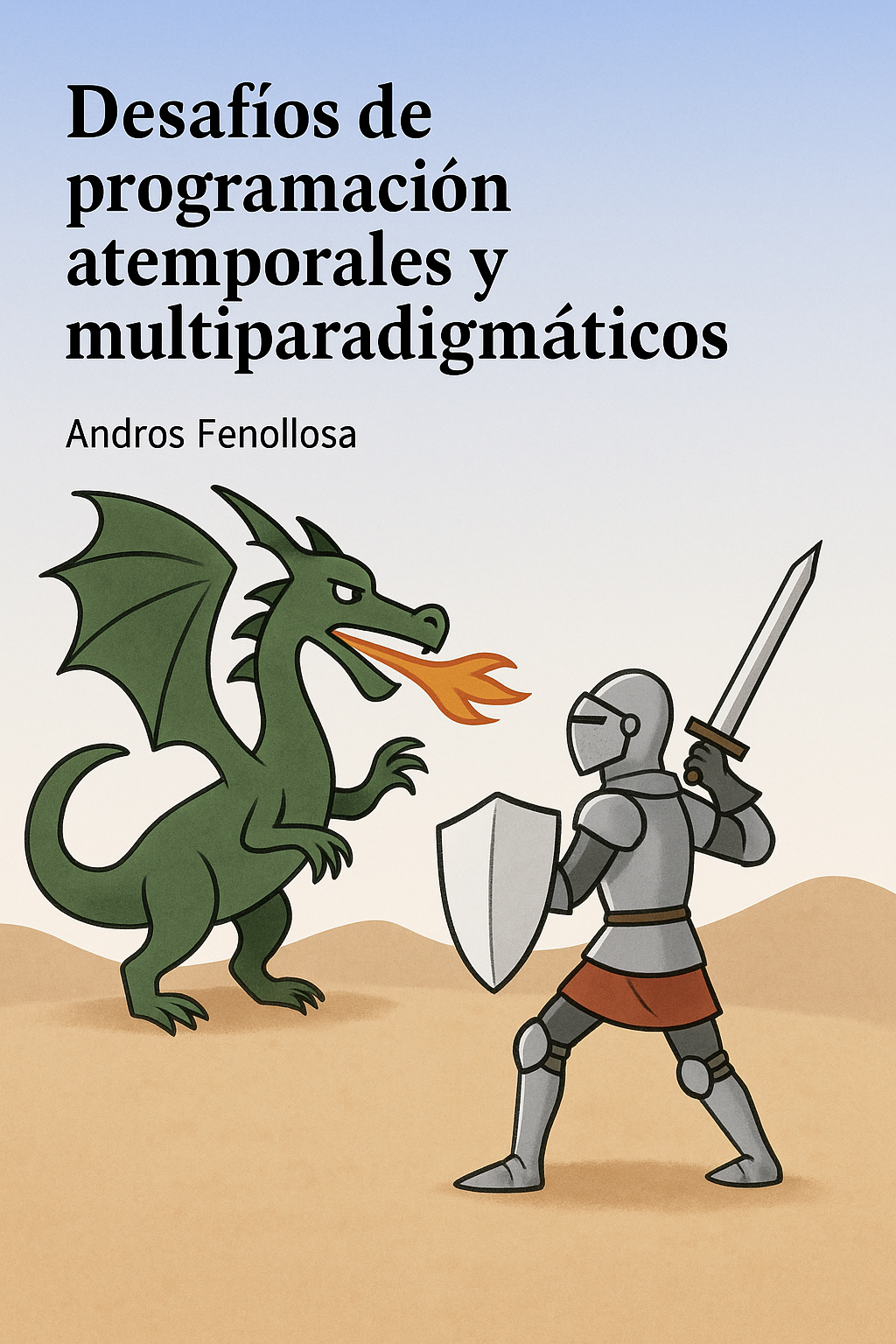
Desafíos de programación atemporales y multiparadigmáticos
Te encuentras ante un librillo de actividades, divididas en 2 niveles de dificultad. Te enfrentarás a los casos más comunes que te puedes encontrar en pruebas técnicas o aprender conceptos elementales de programación.
Buy the book Sure, it's on me!
Comments
There are no comments yet.