
17. Lists
list-style-type
You can use the predefined styles.
ul {
  list-style-type: disc;
  list-style-type: circle;
  list-style-type: square;
  list-style-type: decimal;
}- Lorem.
- Fuga.
- Placeat.
Use a text or emoji.
ul {
  list-style-type: '👍';
}- Eat fruit
- Exercise
- Pay taxes
Predefine them with @counter-style.
@counter-style lista-de-ganadores {
  system: fixed;
  symbols: url(oro.png) url(plata.png) url(bronce.png);
  suffix: " ";
}

ul {
  list-style-type: lista-de-ganadores;
}- Linux
- MacOS
- Windows
Or remove them.
ul {
  list-style-type: none;
}- Home
- FAQ
- About us
image
Uses an image as a marker in an unordered list.
ul {
  list-style-image: url('oro.png');
}- Fernando Alonso
- Michael Schumacher
- Ayrton Senna
position
You indicate where you want the marker to be placed.
Inside the <ul>.
ul {
  list-style-position: inside;
}- Lorem.
- Fuga.
- Placeat.
Outside the <ul>.
ul {
  list-style-position: outside;
}- Lorem.
- Fuga.
- Placeat.
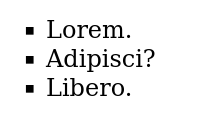
Activity 1
Implement in HTML the following list with square markers.
Activity 2
Implement in HTML the following list with the names of your pets or children. If you don't have any, you can make them up.

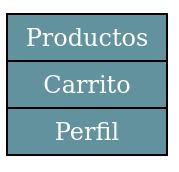
Activity 3
Implement in HTML the following list, equivalent to a real navigation bar for a website. Don't forget to add a state change when the cursor is over it.
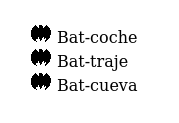
Activity 4
Implement in HTML the following list.
This work is under a Attribution-NonCommercial-NoDerivatives 4.0 International license.
:quality(85)/https://andros.dev/static/img/components/license/by-nc-nd.png)
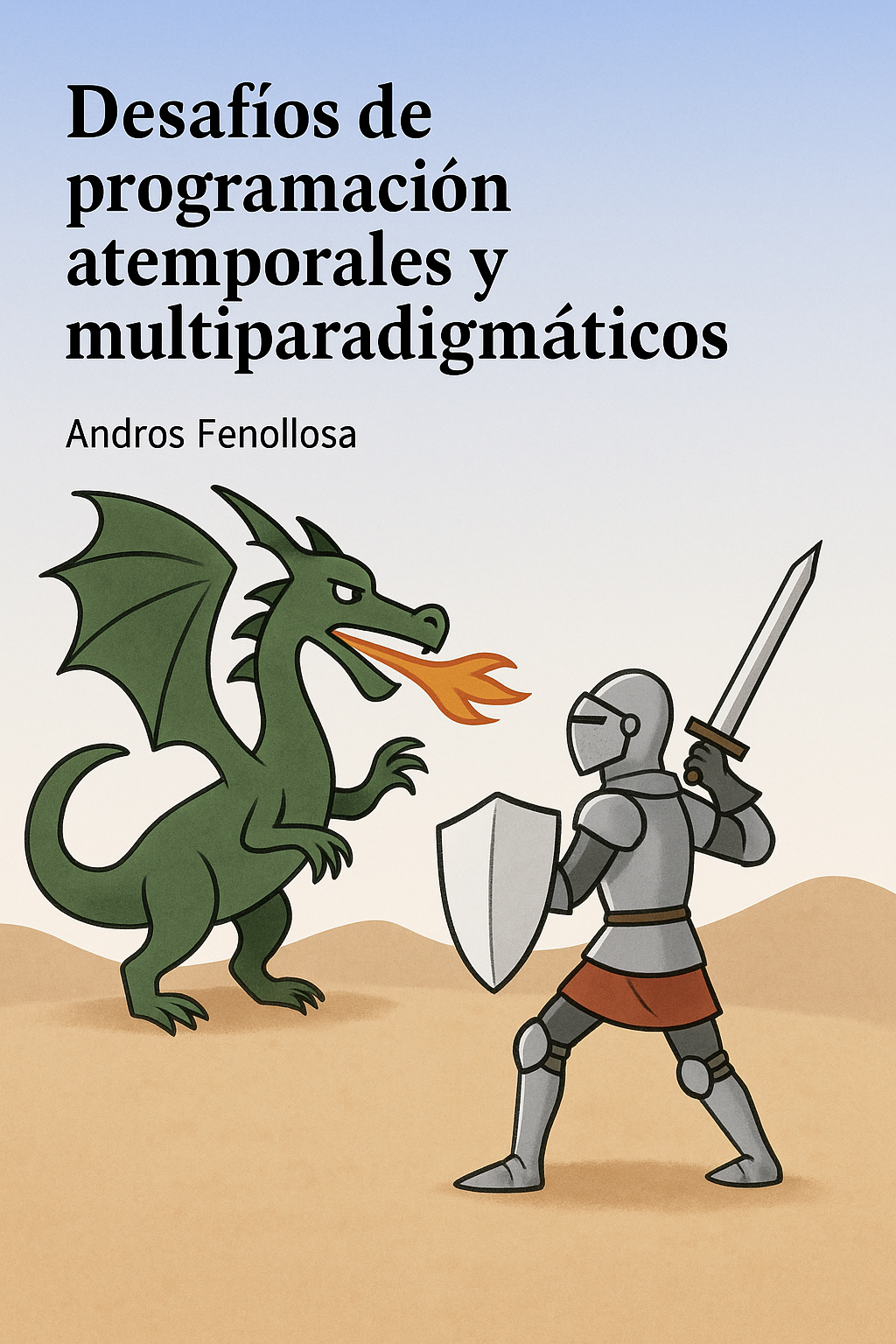
Desafíos de programación atemporales y multiparadigmáticos
Te encuentras ante un librillo de actividades, divididas en 2 niveles de dificultad. Te enfrentarás a los casos más comunes que te puedes encontrar en pruebas técnicas o aprender conceptos elementales de programación.
Buy the book Sure, it's on me!
Comments
There are no comments yet.